
3D scanning turns a physical object into a three-dimensional digital model. The scanner records the shape of the object's surface from many angles, and software stitches those angles into a single 3D file you can open, measure, edit and print. At 3D Lab Bali we use 3D scanning mostly for two things: recreating parts that are no longer sold, and digitizing organic shapes that would be impractical to draw from scratch.
This article covers how it works, when 3D scanning is genuinely the right tool, and when modeling from scratch is faster and cheaper.
New to 3D printing in general? Start with our beginner's guide: what is 3D printing.
How 3D Scanning Works
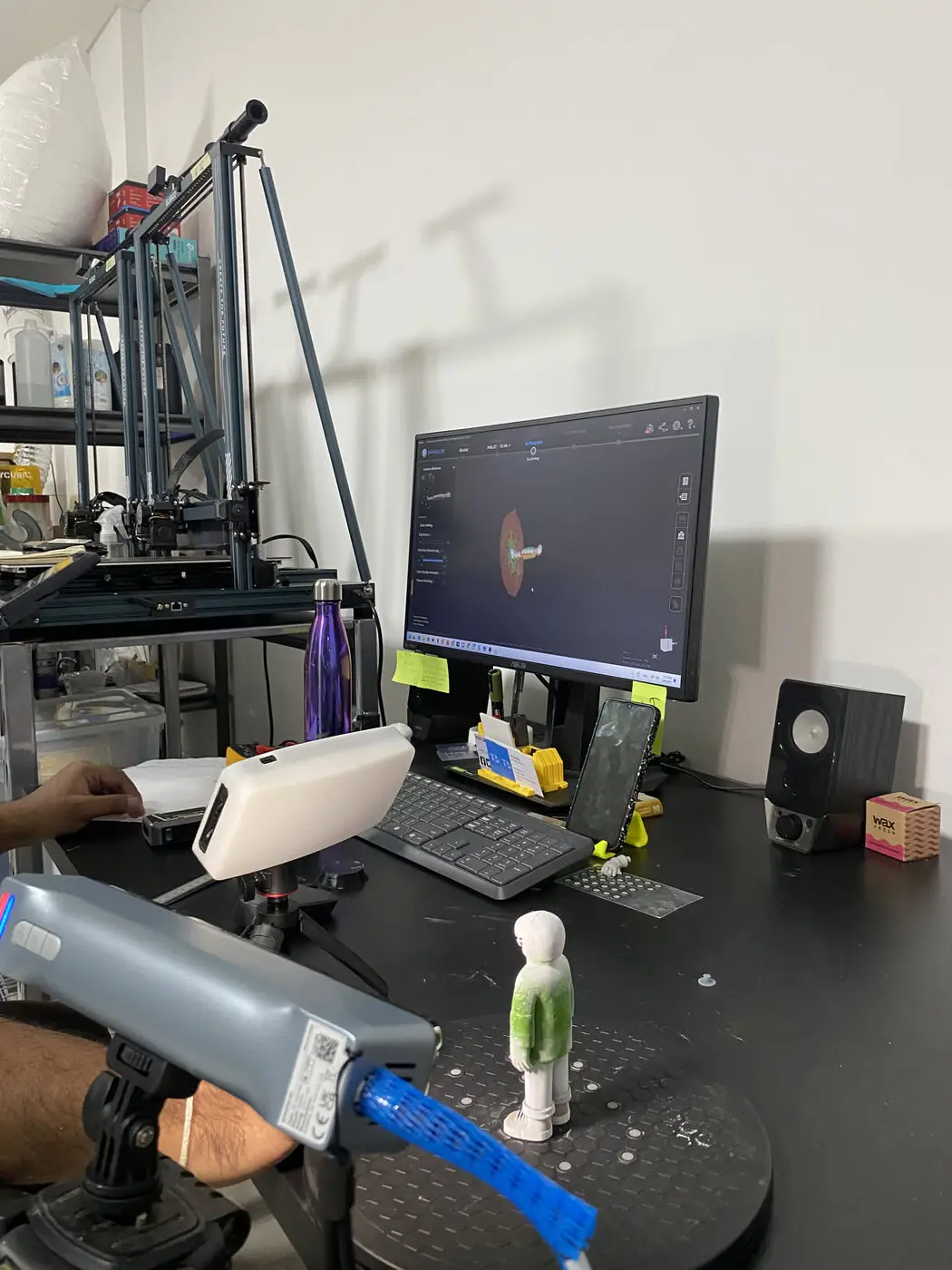
A 3D scanner projects a pattern of light onto the object's surface and reads how the pattern deforms over the surface. From this it calculates thousands of coordinate points across the surface: a point cloud. Those points are then joined into a triangle mesh that forms the digital surface.
The output is an STL, OBJ or PLY file. STL and OBJ are the usual choices for 3D printing; PLY is often used when surface color is captured too.
One thing worth understanding: a scan is a record of a surface, not an engineering drawing. Raw scanner output contains the shape exactly as it is, including small holes, uneven patches, and areas the scanner could not reach. It almost always needs cleaning up before it can be printed or used as the basis for a design.
When You Need 3D Scanning
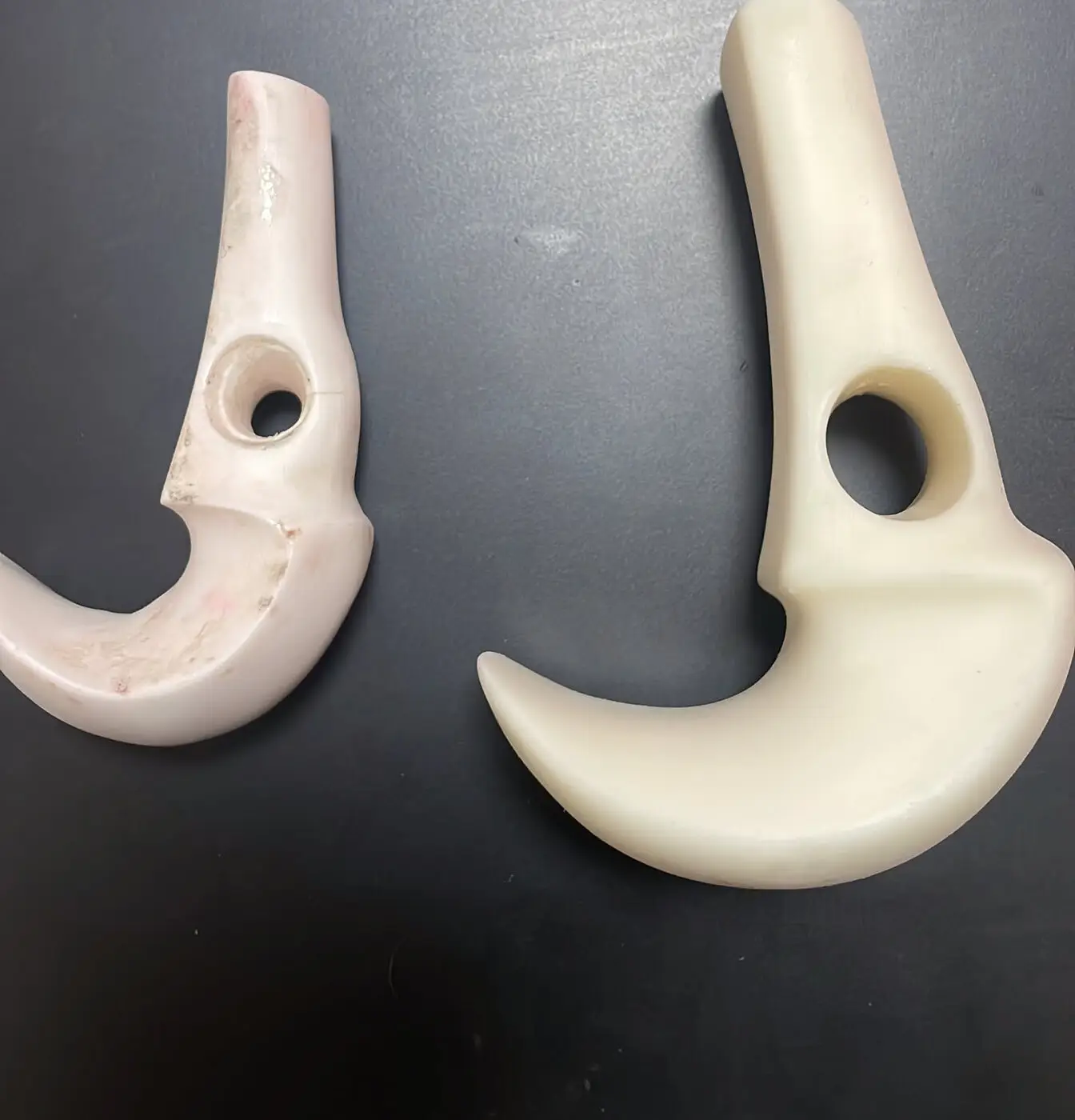
Scanning makes sense when the object already exists and its shape is hard to capture with a ruler or calipers. The cases we handle most often:
- Replacement parts that are no longer made: older machinery, household appliances, vehicles. Once a small component breaks and the supplier is gone, remaking the part is often the only route.
- Organic shapes: statues, carvings, reliefs, body forms. These cannot be described by a handful of dimensions, so there is no practical way to redraw them from nothing.
- Parts that must fit something else: when a new part has to mate with an existing surface, such as a mount, a cover or a bracket, scanning the mating surface is far more accurate than guessing.
- Documentation and archiving: keeping an object's shape as a file, whether as a backup or for reproduction later.
When You Don't
This is the part that rarely gets discussed, and it often saves money.
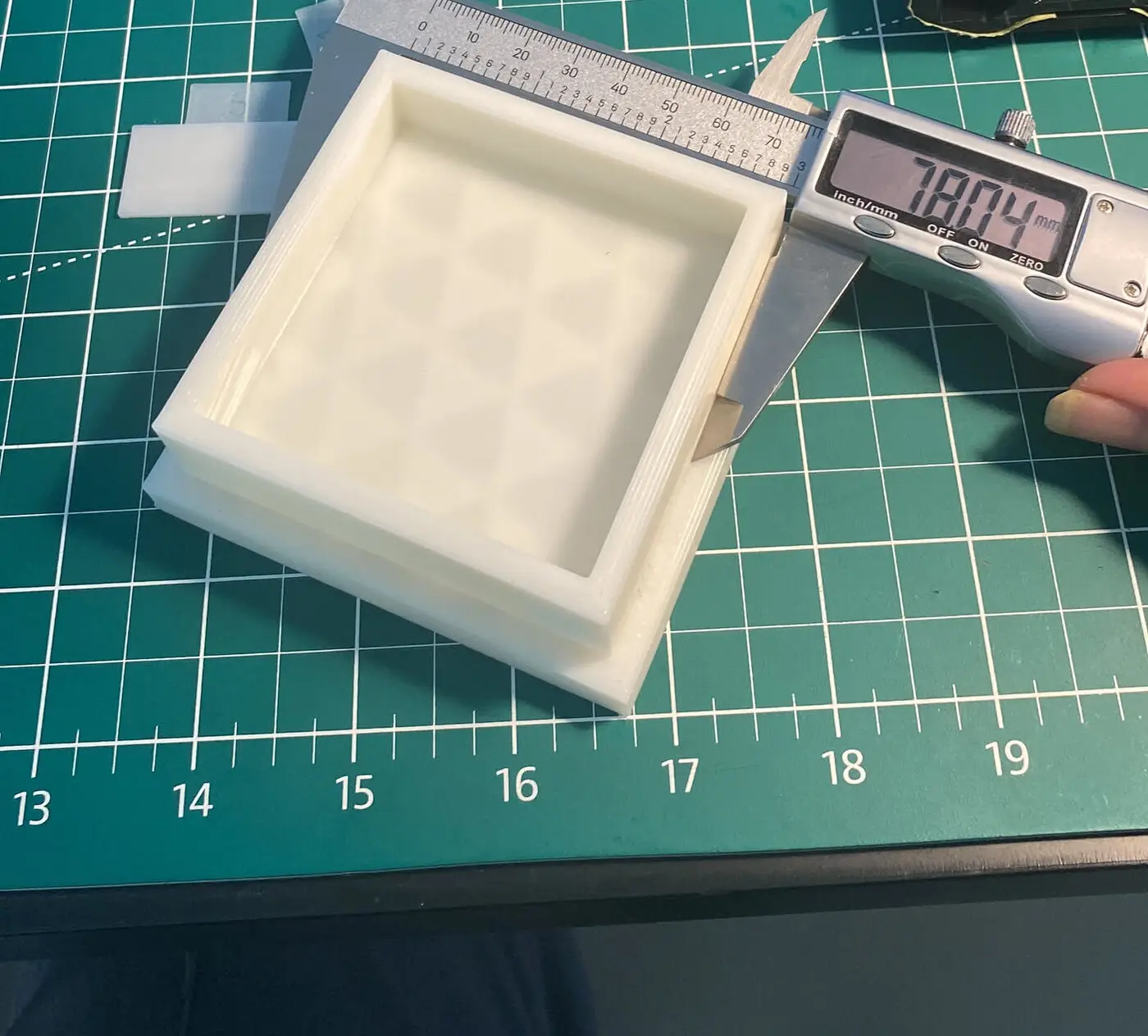
If the object is small and geometrically simple (say under 10 cm, with flat faces, round holes and square corners), it is usually faster to measure it by hand and model it directly in CAD. The result is better, too: a CAD model has clean dimensions and can be changed at any time, whereas a scanned mesh is difficult to edit precisely.
Our rule of thumb: the larger and more organic the shape, the more sense scanning makes. The smaller and more geometric, the more sense redrawing makes.
What Scans Easily, and What Doesn't
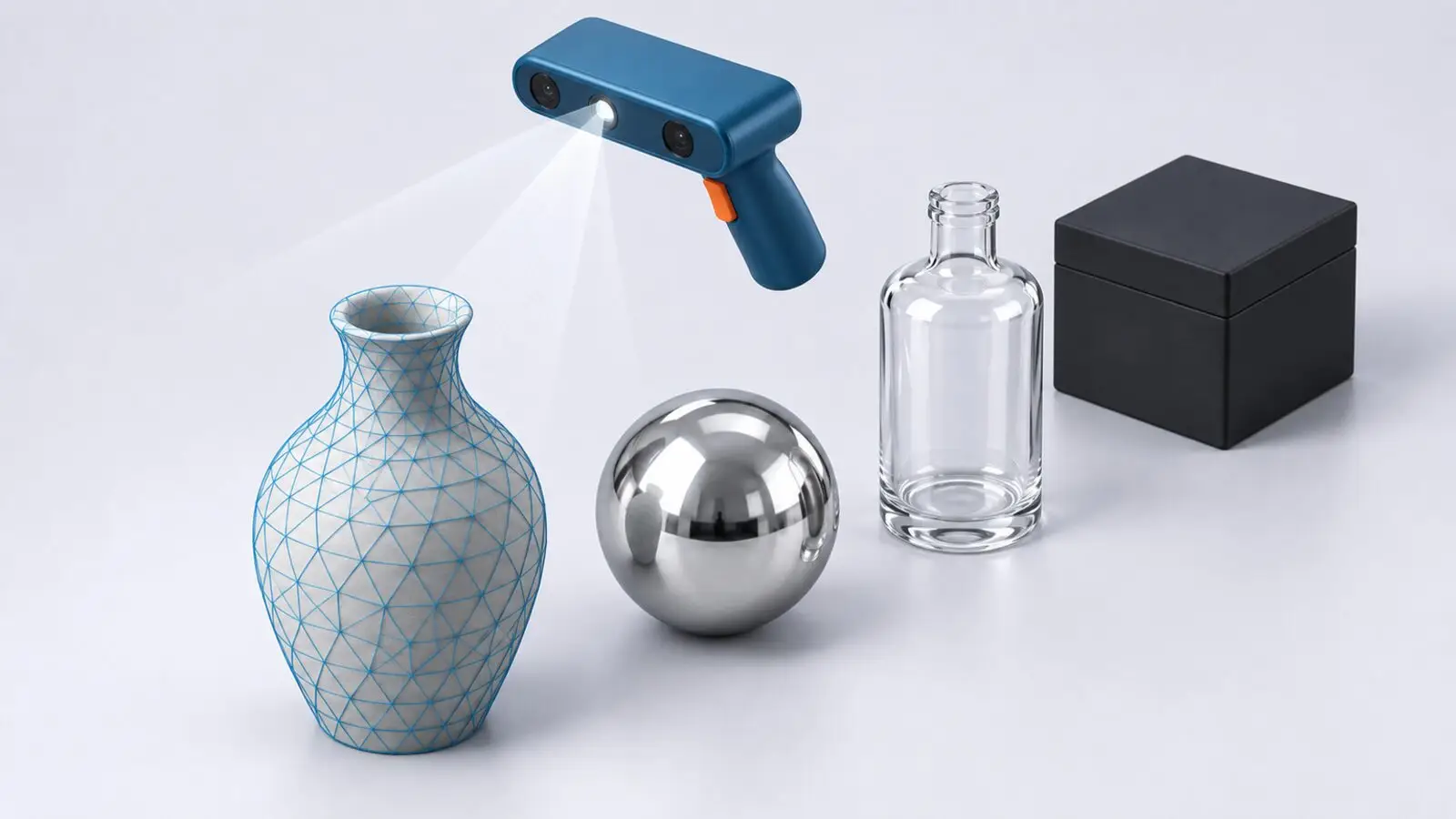
Not all surfaces behave the same way. The easiest surfaces are light-colored, matte and opaque. The difficult ones:
- Shiny or mirror-like surfaces: the scanner's light reflects rather than scatters. These need a temporary matte spray coating first.
- Transparent or clear objects: light passes through, so there is no surface to read.
- Deep black: absorbs the light, leaving holes in the result.
- Very fine detail or deep narrow gaps: there is a resolution limit; fine carving and narrow holes often do not capture fully.
Most of these are workable, usually with a temporary coating that washes off afterwards. Just tell us in advance if your object is one of these, so we can plan for the extra time.
From Scan to Printable File
A raw scan is rarely usable as-is. The process usually goes like this:
- Scanning: capturing the object from many angles.
- Alignment: merging those angles into one continuous surface.
- Mesh repair: closing holes, removing noise, tidying edges.
- Remodeling where needed: if the result will be a functional part, the scanned surface is used as a reference to redraw the shape in CAD, so the dimensions are clean and adjustable.
Step four is what separates “having a scan” from “having a printable file”. That is why every scanning package includes one hour of modeling. Once the file is ready, ordering the print follows the usual route. See how to order a 3D print.
3D Scanning Prices in Bali
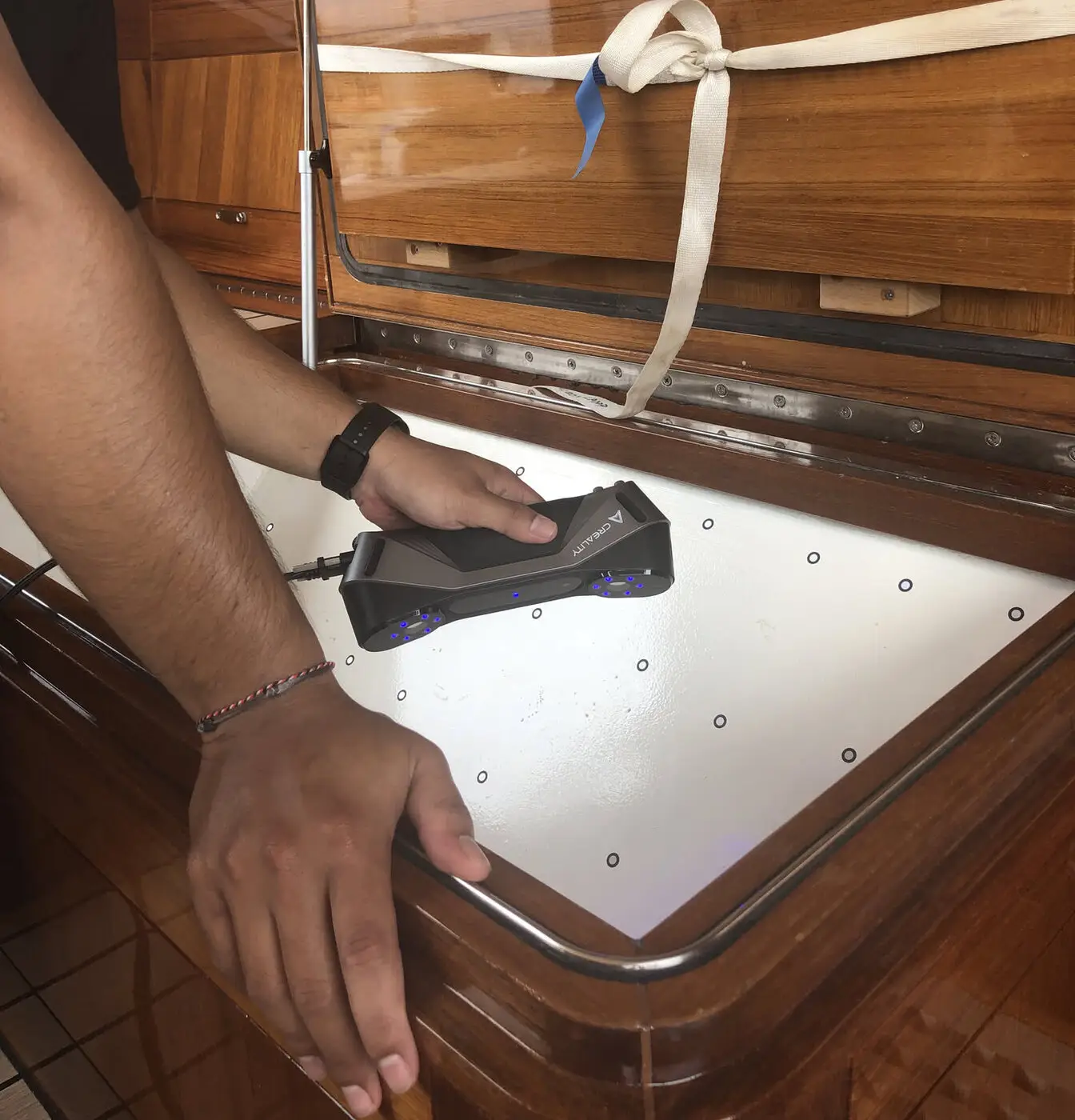
Pricing depends on the size of the object and how long the scan takes.
- Medium object (under 1 m³): IDR 400,000, includes 1 hour of modeling
- Large object (over 1 m³): IDR 500,000, includes 1 hour of modeling
- Bust (head to chest): IDR 450,000, includes 1 hour scanning + 1 hour modeling
- Full body: IDR 550,000, includes 1 hour scanning + 1 hour modeling
- Additional scanning time: IDR 300,000 per hour
- 3D modeling: IDR 150,000 per hour
Minimum order at 3D Lab Bali is IDR 100,000. What drives the cost of the printing itself is covered separately in 3D printing cost in Bali.
If you can bring the object to our workshop in Jimbaran, it is quicker and cheaper. For objects that cannot be moved, on-site scanning can be arranged with a travel fee depending on the area.
Frequently Asked Questions
How long does 3D scanning take?
For a medium-sized object, scanning is often done within about an hour. Cleanup and modeling add time depending on complexity and how clean the scan came out.
Can a scan be printed directly?
Sometimes, particularly for decorative objects. For functional parts that must fit other components, a remodeling step is almost always needed first.
What file format do I receive?
STL, OBJ or PLY. If the result is remodeled in CAD, a STEP file can be provided as well.
Can you scan very small objects?
There is a resolution limit. For objects under roughly 10 cm with simple shapes, we usually suggest measuring and modeling instead. It is more precise and often cheaper.
Where to Start
Send us a photo of your object on WhatsApp via our contact page, with a rough idea of its size and what it is for. We can tell you straight away whether scanning is the right approach or whether modeling directly makes more sense, along with a cost estimate. Service details are on our 3D scanning page. We're open Monday to Friday, 10:00–17:00 WITA, in Jimbaran.